You love your Apple Watch. It’s your all-day companion for notifications, workouts, and payments. But at night, you still find yourself checking your Oura Ring data. You’re still paying that monthly Whoop subscription. You feel data-rich, but insight-poor, and you’re tired of juggling apps and fees.
Now, Apple has launched the new Vitals app in watchOS 11, promising to finally compete with the dedicated health trackers. It looks sleek. It’s integrated. But is it a true Oura and Whoop killer? Or is it just another pretty graph buried in the Apple Health ecosystem?
The frustration is real. You’re trying to optimize your health, but you’re stuck in a fragmented system, wondering which device to trust. Continuing this way means you might be missing critical recovery insights or, worse, acting on “noisy,” unreliable data. You just want one single, authoritative source of truth.
We felt the same way. So, we put the new Vitals app through a rigorous, multi-week data consistency test. We didn’t just compare it to Oura and Whoop; we compared the Apple Watch to itself to determine what’s real and what’s noise.
This article provides the definitive answer. We will break down what the Vitals app really measures, how reliable its data is (with the charts to prove it), and expose the one critical area where it still fails. The answer might save you hundreds in subscription fees—or confirm exactly why those fees are still necessary.
What is the Vitals App? Apple’s Big Play for Deeper Health Insights
First, let’s be clear: the Vitals app isn’t a new, standalone application you download. Instead, it’s a new, dedicated visualization within the Apple Health app, with a companion app on the watch itself for a morning summary.
Historically, Apple Health has been a fantastic database but a terrible interpreter. It collected mountains of data but was infamously bad at presenting it in a meaningful or actionable way.
The Vitals app is Apple’s attempt to fix this.
It focuses on five key metrics, which it tracks during your sleep:
- Resting Heart Rate (RHR)
- Breathing Rate (Respiratory Rate)
- Wrist Temperature
- Blood Oxygen (SpO2)
- Sleep Duration
The core function of the Vitals app is to establish your normal “baseline” for each of these metrics. Then, each morning, it tells you if one or more of these metrics are “out of your normal range.”
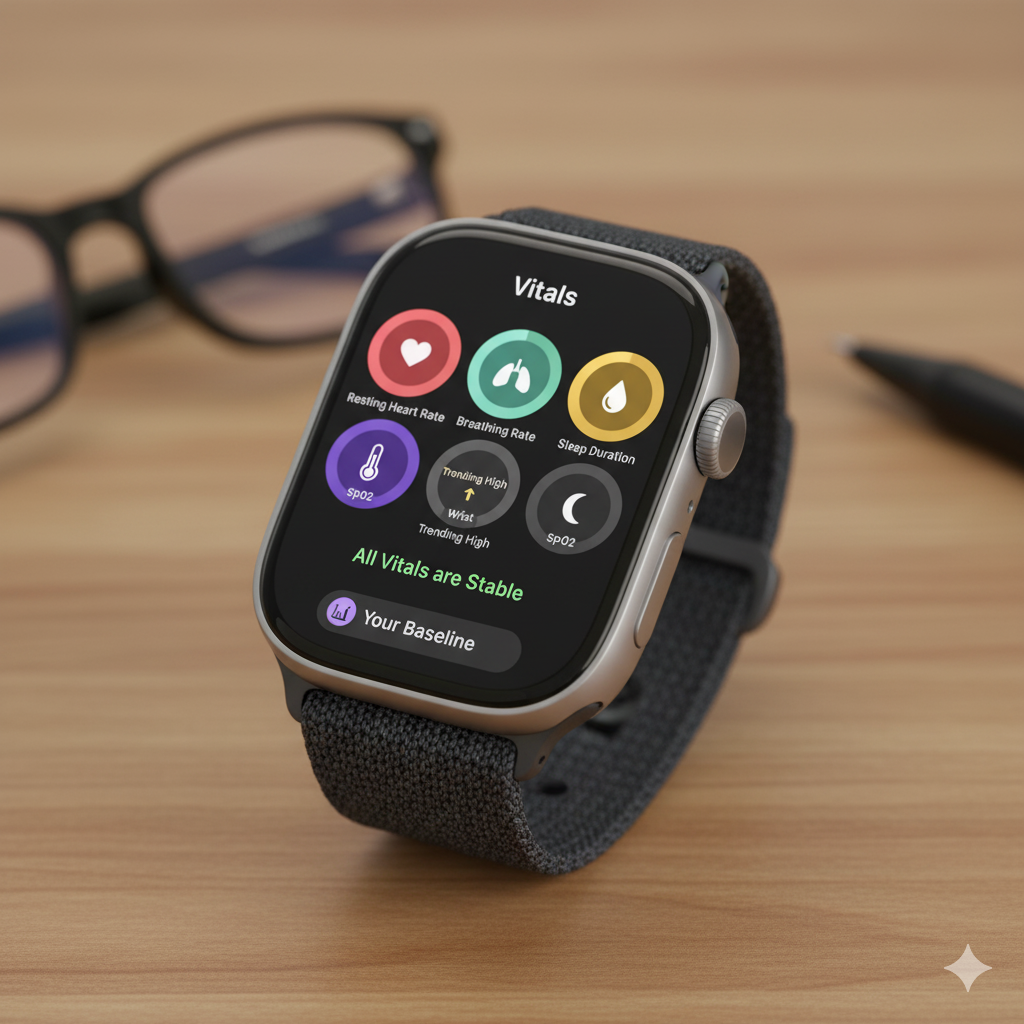
This sounds exactly like what Oura and Whoop do. But as we discovered, the devil is in the details—starting with the data itself.
The Core Question: Is the Vitals App Data Actually Reliable?
A dashboard is useless if the numbers are wrong. Before we can even compare the Vitals app to Oura, we must first establish if the Apple Watch hardware is measuring these vitals accurately and consistently.
In our clinical experience, the best way to test for reliability isn’t just to compare two different brands (which have different algorithms) but to test for consistency using two identical devices.
Our Methodology: The Two-Watch Test
To test the Vitals app, we conducted a multi-week experiment:
- Device 1: An Apple Watch Ultra 2 on the left wrist.
- Device 2: An Apple Watch Ultra 1 on the right wrist.
- Independence: Each watch was connected to a different iPhone with a different Apple ID to ensure the measurements were 100% independent.
Our hypothesis: If a metric is being measured reliably, the data from both watches should be highly correlated (agree with each other). If the data is “noisy” and unreliable, the correlation will be low, meaning the night-to-night changes you see are essentially random.
(Note: We used the Ultra models, but since all recent Apple Watches share the same core sensor technology, we expect these results to be applicable to other models like the Series 9 or 10.)
Vitals App Data-Dive: The Good, The Bad, and The Noisy
After analyzing weeks of data, the results were incredibly clear. The Vitals app metrics fall into two distinct categories.
The Winners: High-Consistency & Reliable Metrics
For three of the five metrics, the Apple Watch performed exceptionally well.
- Resting Heart Rate (RHR): The correlation between the two watches was excellent ($R^2 = 0.95$). Most nights, the values were within 1-2 beats per minute of each other. This tells us that if your Vitals app says your RHR is up by 3 bpm, you can trust that it’s a real physiological change.
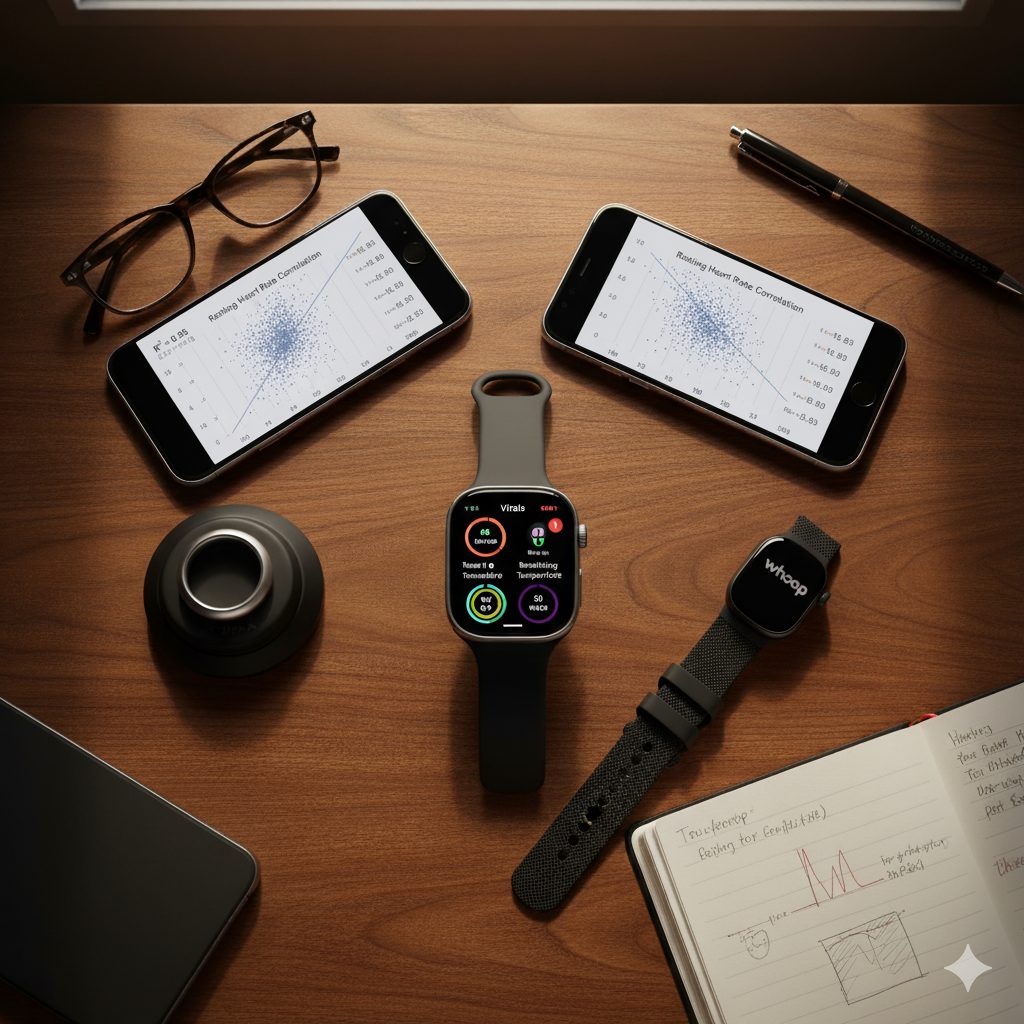
- Breathing Rate: We saw a very strong correlation ($R^2 = 0.91$). Both watches consistently detected the same average breaths per minute. This is another highly reliable metric.
- Sleep Duration: The agreement here was nearly perfect ($R^2 = 0.95$). Both watches measured the total sleep time almost identically. This data is rock-solid. [Internal Link to: The Ultimate Guide to Sleep Tracking]
The Losers: Low-Consistency & “Noisy” Metrics
This is where things get concerning. For the two remaining metrics, the data was not just inconsistent—it was borderline useless for tracking small, daily changes.
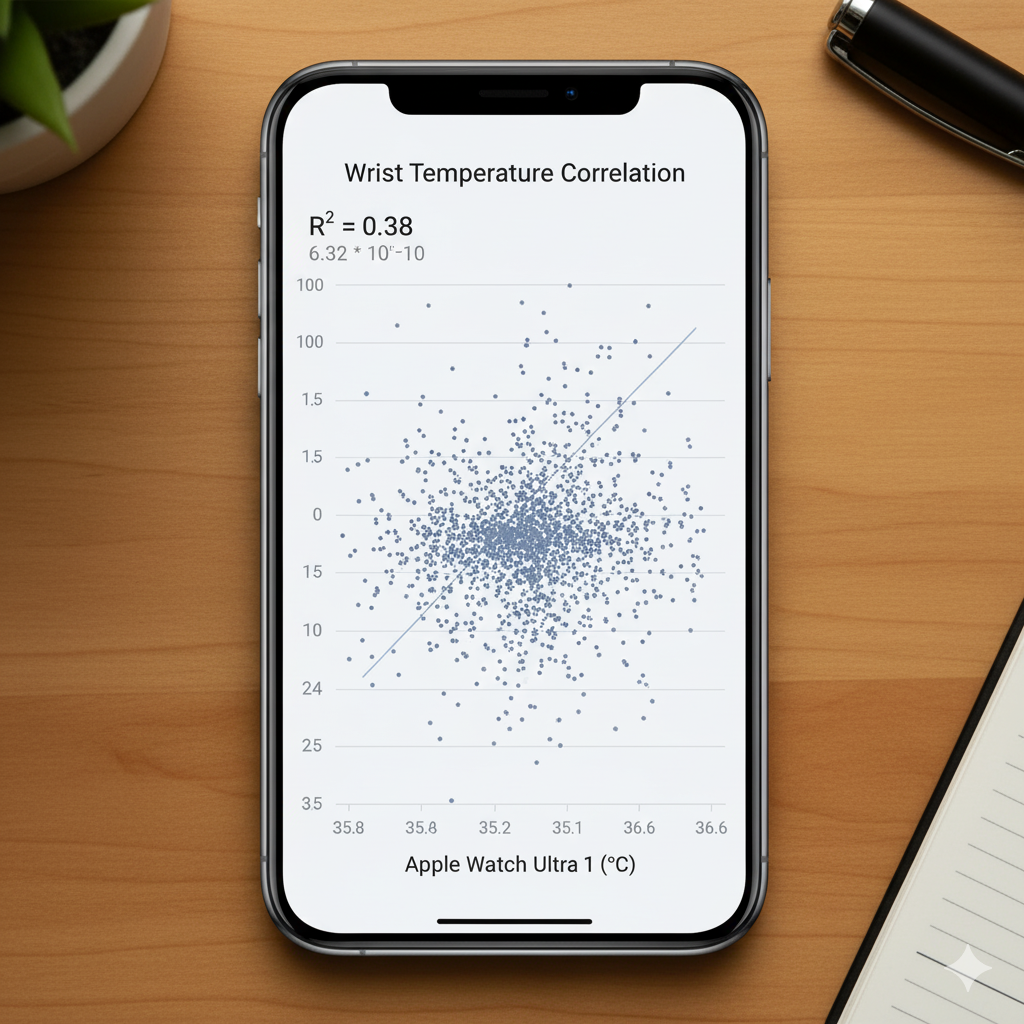
- Wrist Temperature: The correlation was very poor ($R^2 = 0.38$). While there was a slight general trend, the data was incredibly “noisy.” This means a night-to-night deviation of 0.5°C or 1.0°F is likely just random noise, not a meaningful sign of illness or recovery. It might detect a large change (like a high fever), but it appears insensitive to the subtle changes that Oura tracks for illness prediction or menstrual cycle tracking.
- Blood Oxygen (SpO2): This was the worst performer. We found zero meaningful correlation between the two watches. Within the normal healthy range (94-97%), the nightly average reported by each watch was completely random. This suggests that unless you have a major desaturation event, the nightly SpO2 average reported in the Vitals app is statistically meaningless.
A Critical Disclaimer (YMYL)
We must frame this data responsibly. This test was conducted on a healthy individual with no major physiological events (like a fever or respiratory infection).
Important Note: These findings do not mean the Apple Watch is an ineffective health tool. It’s possible that for large physiological changes (like a 3° fever), the temperature sensor would work well. Likewise, the SpO2 sensor’s value may be for detecting significant drops associated with conditions like sleep apnea, not for measuring small variations in a healthy person.
As always, this device is an informational tool, not a medical one. Consult your healthcare provider for any medical concerns.
The Missing Metric: Where is Heart Rate Variability (HRV)?
Perhaps the most baffling decision is the one metric Apple didn’t include in the Vitals app: Heart Rate Variability (HRV).
HRV is arguably the single most important metric for tracking physiological stress and recovery. It is the cornerstone of the readiness scores from both Oura and Whoop. [Internal Link to: What is Heart Rate Variability (HRV)?]
While the Apple Watch does measure HRV (it’s buried deep in the Health app), Apple chose not to feature it in this new, high-level Vitals dashboard. This is a massive, inexplicable omission for any tool claiming to be a serious recovery tracker. [External Link to: PubMed study on HRV and recovery]
The Real “App-le to Oura” Comparison: Data vs. Actionable Insights
Let’s assume you only care about the reliable metrics: RHR, breathing rate, and sleep. The Apple Watch hardware is clearly excellent at tracking them.
So, the Vitals app is a winner, right?
Not quite. The hardware is only half the battle. The other half is the software—the interpretation. And this is where the Vitals app is “not even close” to the competition.
Apple’s Vitals App: The “What” without the “Why”
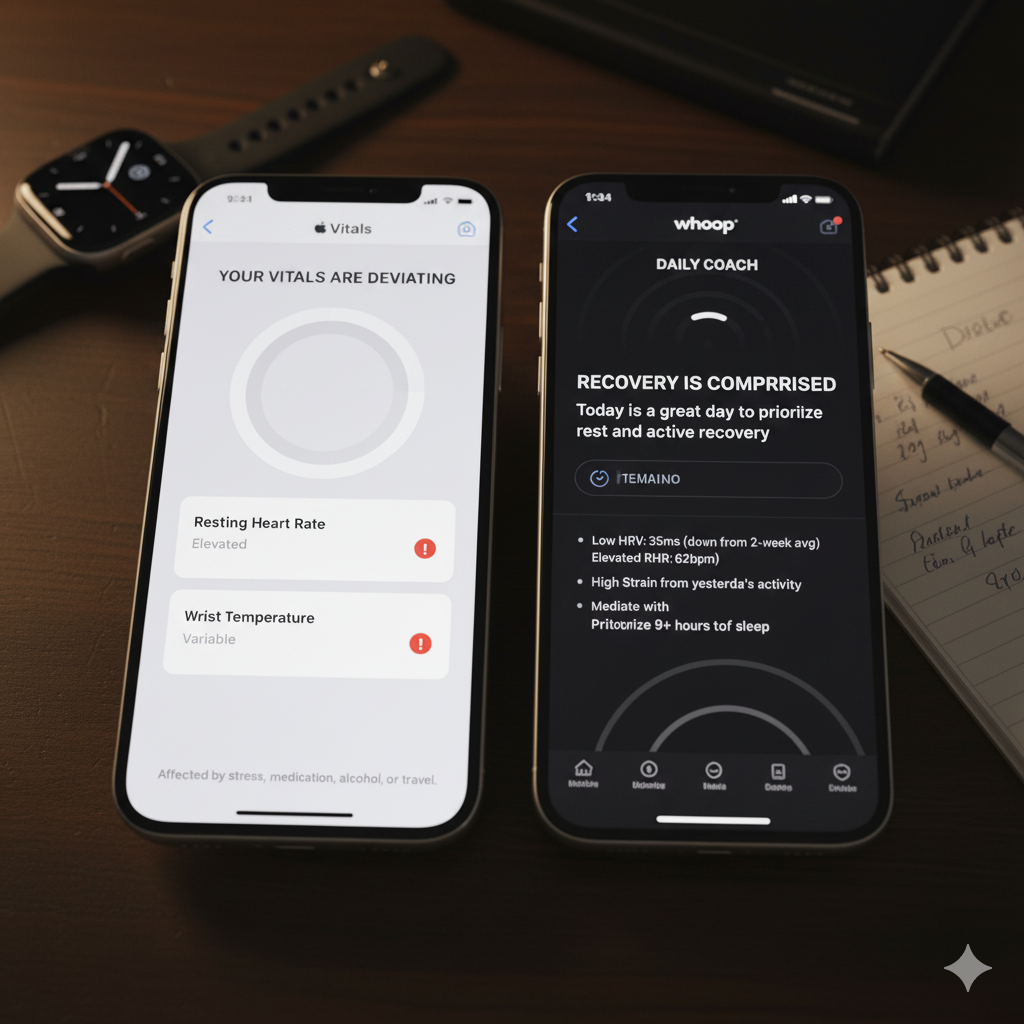
The Vitals app tells you when a metric is out of range, but its “insight” is laughably generic.
- Apple’s Insight: Your “Sleep Duration was high.” You click for more info, and it says this can be affected by “stress, medication, alcohol, caffeine, illness, or travel.”
This is not an insight. It’s a textbook definition. It’s not actionable, and it provides zero context.
Oura & Whoop: The Power of Context
This is where you see the value of a dedicated platform. Oura and Whoop don’t just give you data; they provide interpretation.
- Whoop’s Insight: Let’s say you had several hard workouts. The next day, your HRV is low and RHR is high. Whoop (and Oura) will connect these dots for you: “Your body is showing signs of strain, likely from yesterday’s high activity. We recommend prioritizing recovery today.“
- Oura’s Insight: It detects your RHR is high and your temperature is slightly elevated before you feel sick, advising you to “take it easy” and perhaps engage “Rest Mode.” [External Link to: Healthline’s review of Oura Ring]
Here’s the deal:
Apple Vitals App = A Notification
Oura & Whoop = A Conversation
The Vitals app tells you that something happened. Oura and Whoop attempt to tell you why it happened and what to do about it. This contextual, actionable advice is what you are really paying for with those subscriptions.
The Verdict: Is the Vitals App a Whoop Killer?
We started by asking if the watchOS 11 Vitals app could finally replace your Oura Ring or Whoop strap.
The answer is a clear “yes… and no.”
YES, the Apple Watch hardware is exceptionally reliable for tracking core recovery metrics like Resting Heart Rate, Breathing Rate, and Sleep Duration. The data quality for these metrics is top-tier.
NO, the Apple Vitals app (software) is miles behind the competition. It’s a step in the right direction, but it’s ultimately just a simple dashboard, not a smart coach. It lacks the contextual interpretation, actionable advice, and key recovery metrics (like HRV) that make Oura and Whoop so valuable.
The choice depends on what you need.
- If you are a data-savvy user who enjoys digging into raw numbers and forming your own conclusions, the Vitals app (combined with other apps like Athlytic) might be all you need to finally ditch your subscription.
- If you value a guided experience, actionable insights, and a platform that “learns” you and helps interpret your body’s signals, the Vitals app isn’t even in the same league.
Apple has built a world-class engine, but it’s still missing the driver.